
Period locks stop users from posting transactions to a period.
-
Open the Configurator (Ctrl + Shift + S, then type configurator)
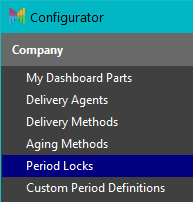
- Select Company | Period Locks
- Select Add-F2 to create a new lock
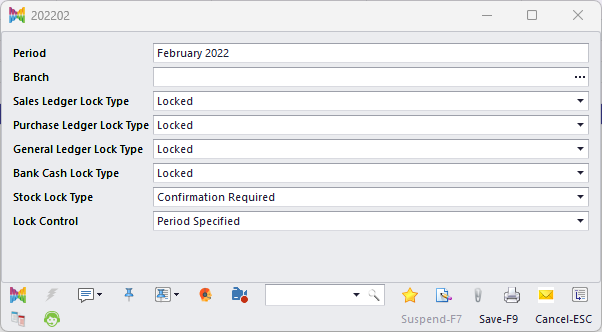
- Complete the following fields:
- Period
Enter the period you want to lock - Branch
(Optional) Assign a branch to apply the lock to that branch only.
If 'Branch' is blank, the lock applies to all branches. If both a global lock and a branch-specific lock exist, the branch-specific lock takes priority for that branch. - Lock Type
For each ledger, select Open, Confirmation Required, or Locked.
If set to Confirmation Required, HARMONiQ will prompt 'User Authorisation Required' when a user tries to post to that period. Permission is controlled by a security policy.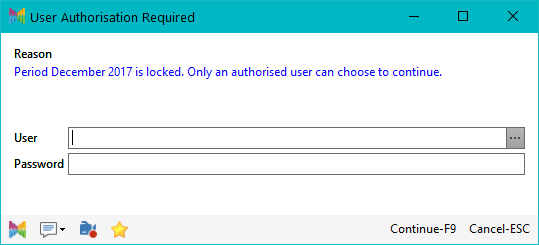
- Lock Control
Choose whether the lock applies to:- Period Specified (default) - the selected period only
- Full Lock For Period And All Previous - the selected period and all prior periods
- Period
- Select Save-F9